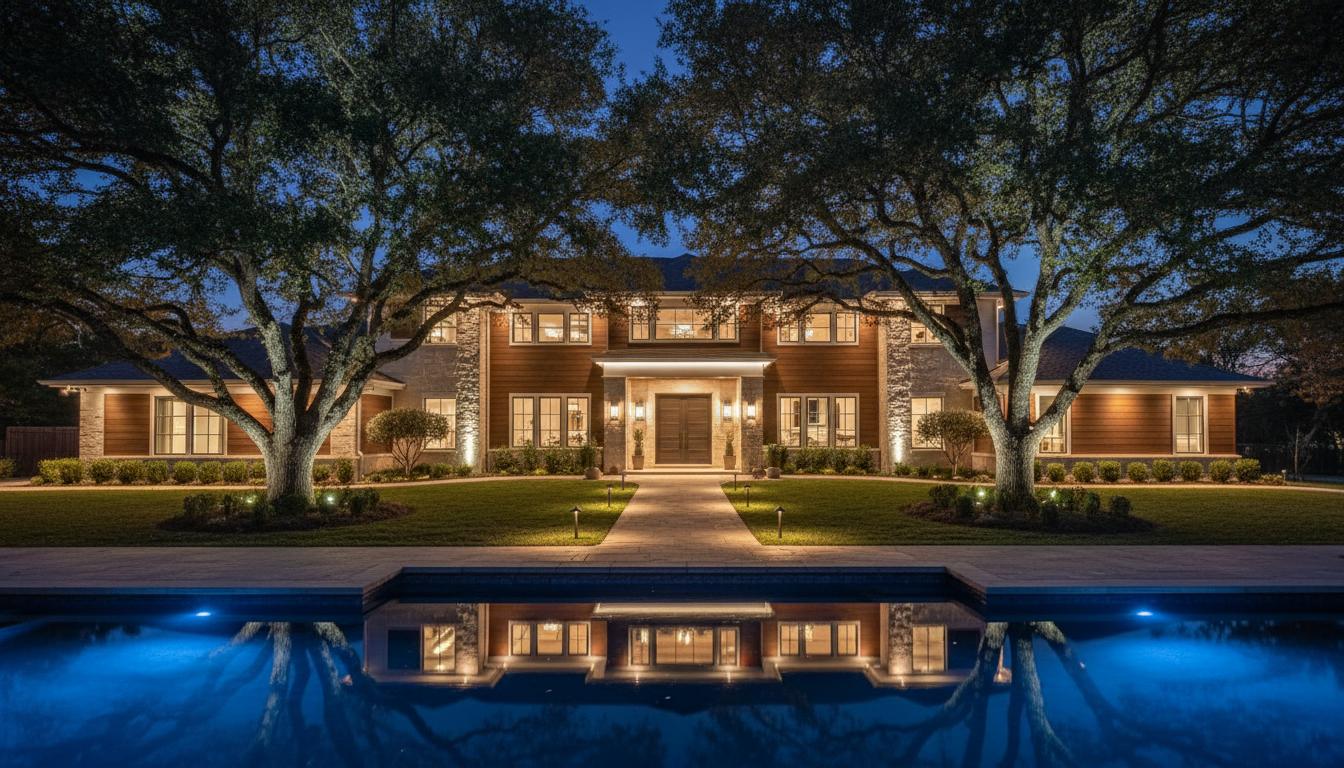
Outdoor Lighting
Plan how your property looks after dark with outdoor lighting design and installation. Windsor Voltage brings together landscape accents, architectural lighting and security lighting.
Explore outdoor lightingWindsor Voltage / Services
Explore permanent Christmas lights and year-round roofline lighting on a photo of your own home. The current desktop lighting designer lets you trace the trim, place lights and compare colours before you request a quote.
The preview gives you a visual starting point for planning your project. Use your photo, traced layout and selected appearance to explore which rooflines you want to light.
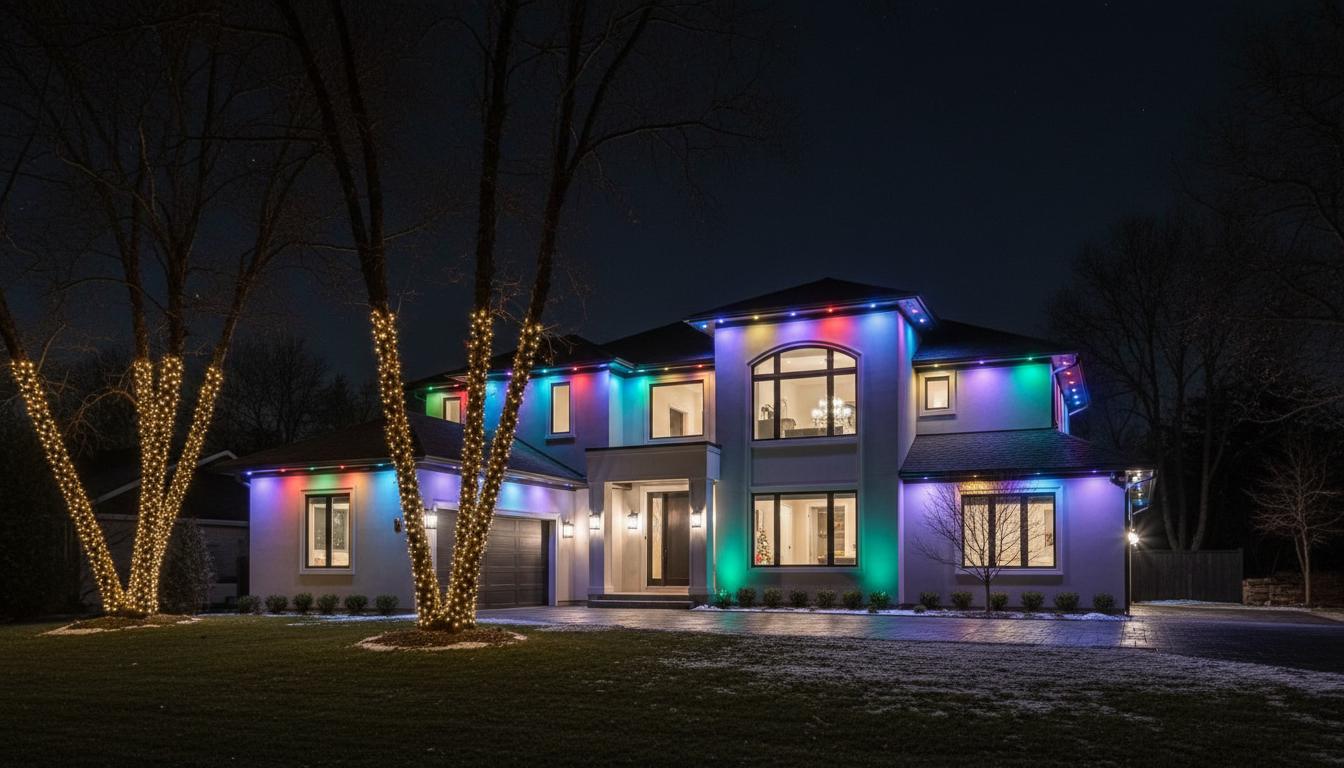
Upload a house photo and use Fit View to position it. Calibrate the image with a known length, then draw the trim lines you want to include. The designer uses those lines to place bulbs and display an estimated visible length.
The current interactive lighting designer is desktop-only. Open the homepage in a desktop browser and scroll to the Trim Light Designer section. On a phone, contact us to discuss your lighting plan.
Open homepage (desktop designer)
Switch between editing and previewing to see your design on the photo. Night simulation, lighting themes and downwash controls let you compare different looks on the same roofline.
The preview is a planning illustration. The image scale and the lines you draw affect the displayed layout and length.
When you are ready, use Request Quote in the designer and add your contact details and project notes. Your measurements and selected lighting settings help describe the project.
For photos or preview images, contact us directly to arrange sharing them and discuss your lighting plan.
Plan how your property looks after dark with outdoor lighting design and installation. Windsor Voltage brings together landscape accents, architectural lighting and security lighting.
Explore outdoor lighting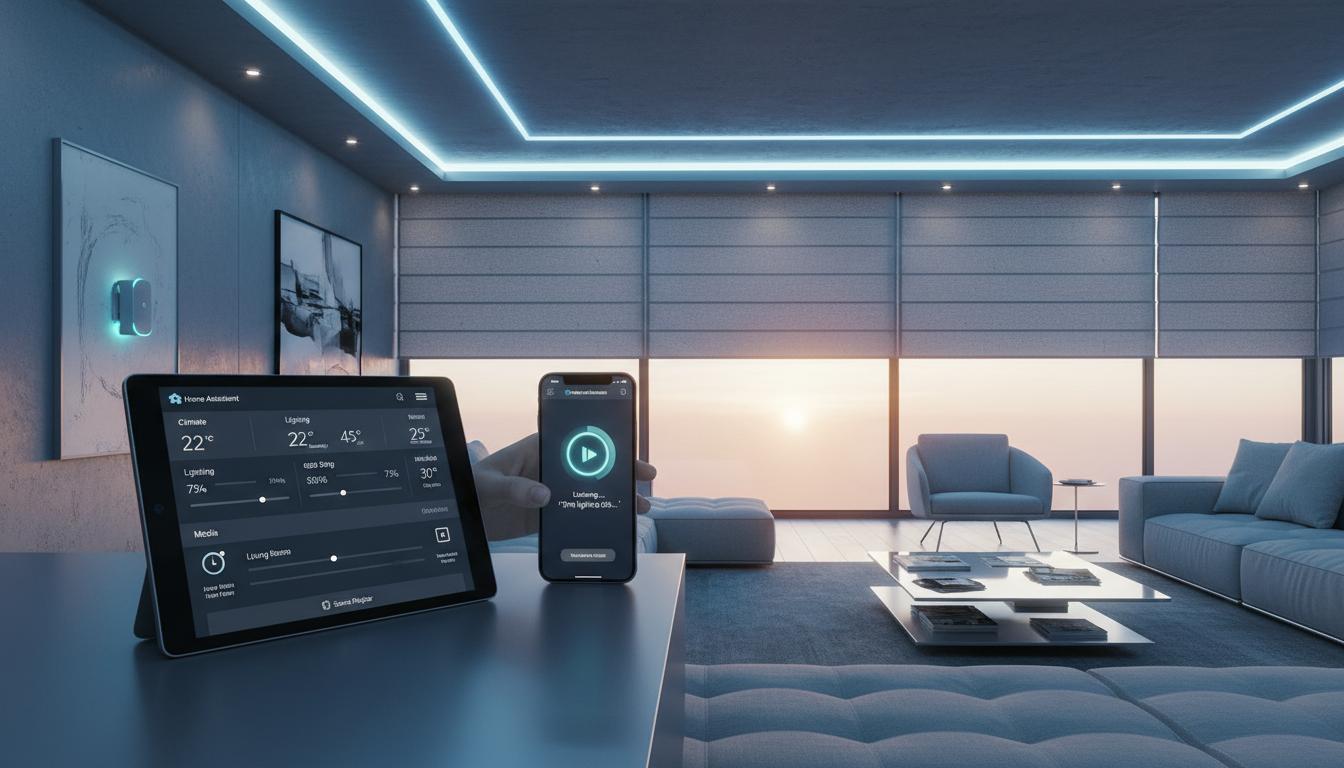
Bring lighting, climate and connected devices into a coordinated home automation plan. Windsor Voltage works with Home Assistant and integrations for schedules, scenes and automated responses.
Explore home automation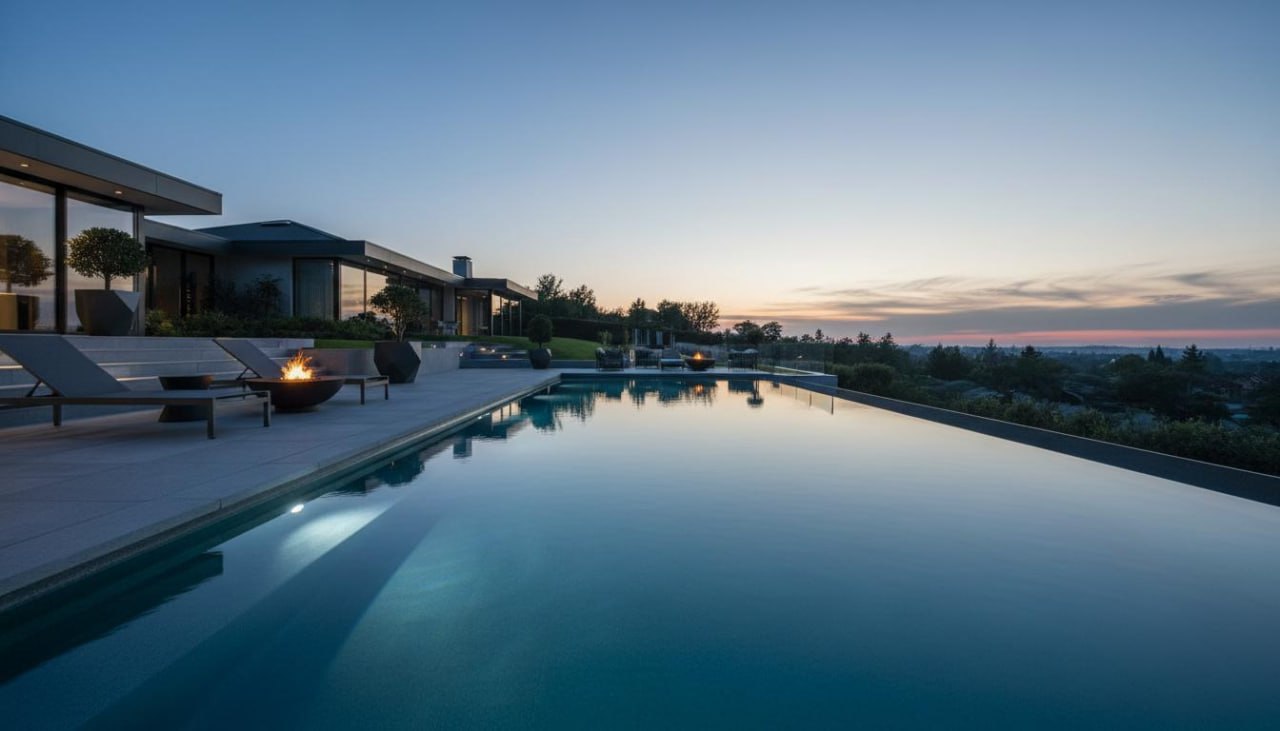
Bring your pool lights, pumps, heating and controls together with a planned electrical installation. Windsor Voltage works on new pool builds and updates to existing equipment.
Explore pool electrical